




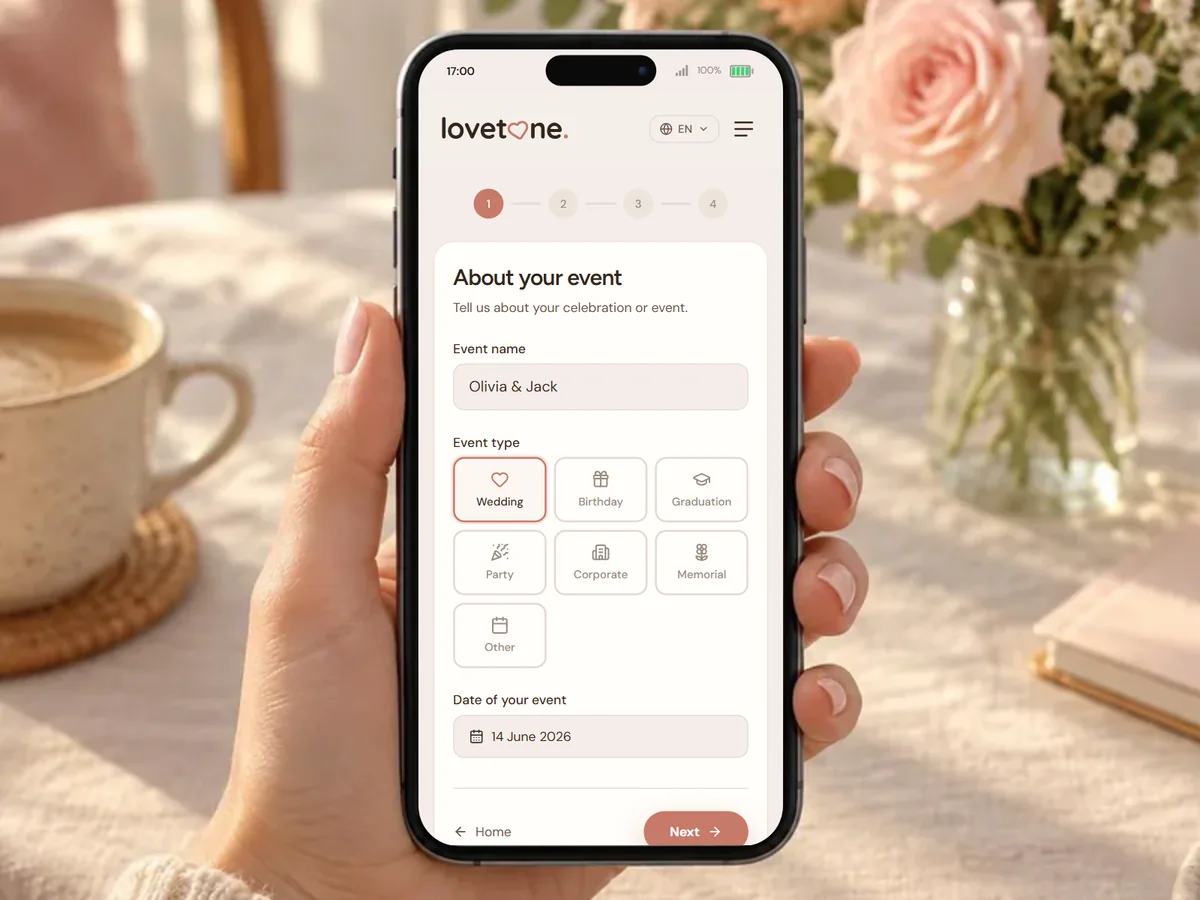
Create your guestbook
Choose your plan, set your theme and personalize everything via the wizard.
After the celebration, share one link: every message and photo together, in your own style.
Available with Starter & Essential
Choose your plan, set your theme and personalize everything via the wizard.
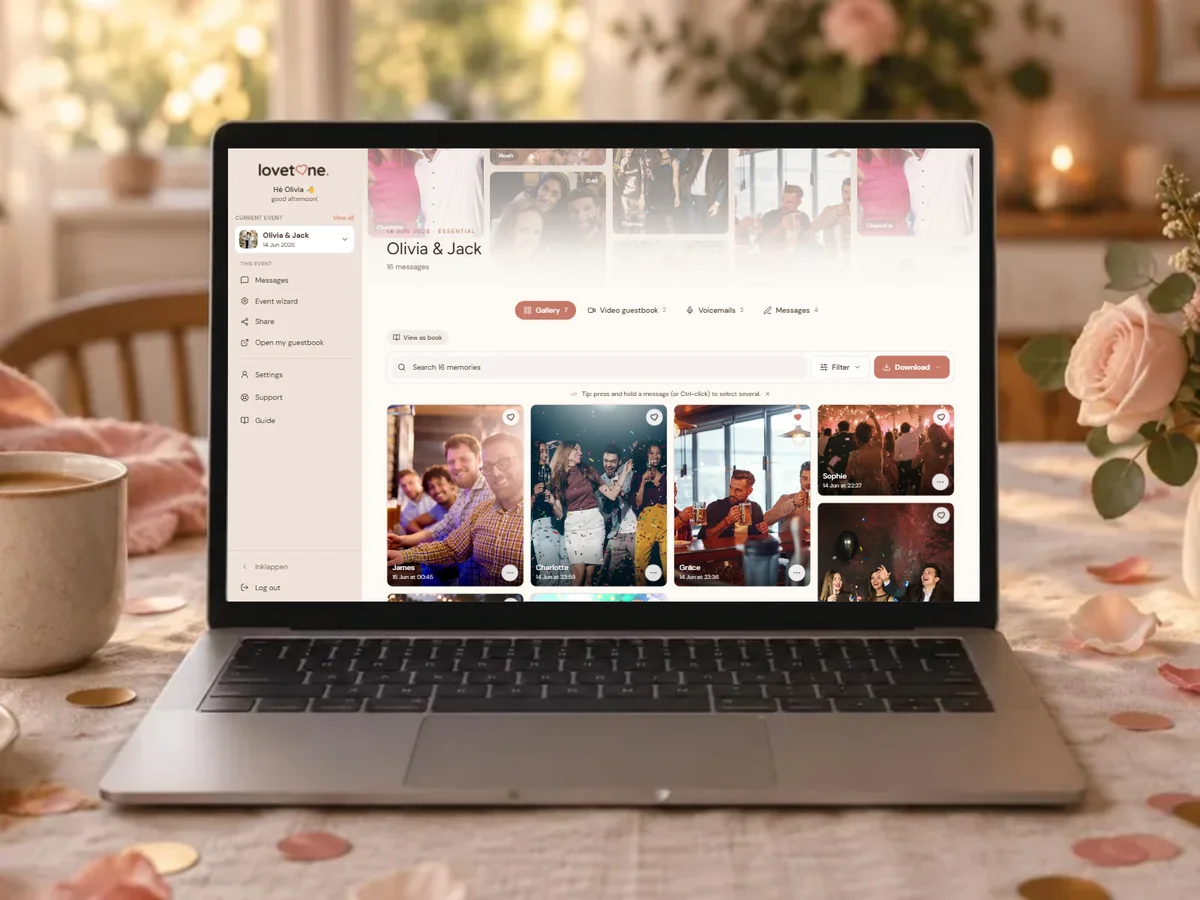
Activate your shared gallery in the event wizard and choose which channels to share.
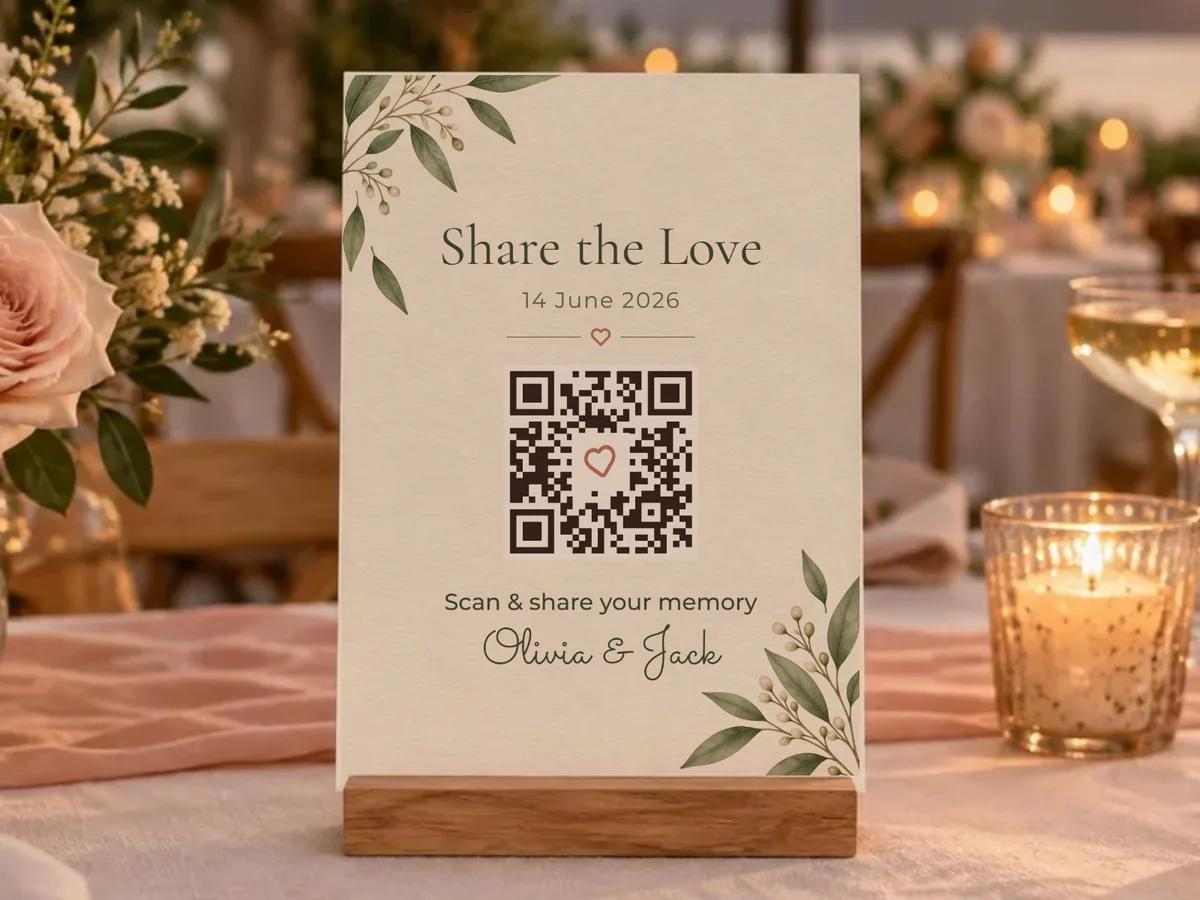
Share the link or QR code with family and friends after your event.
Guests view and relive all messages — audio, video and photos — on any device.
A full-featured audio player with your chosen waveform style. Shuffle through messages, track which ones you've listened to, and give a heart to your favorites.
Listened messages are tracked — so you never miss one.
Shuffle, repeat, or listen in order.

Grandma & Grandpa
Olivia & Jack
The same premium experience as the audio player, but for video. All video messages from your guests in a stylish player with playlist, progress bar and hearts.
Watched videos are automatically tracked.

Best friends
Olivia & Jack
Visitors can like their favorite messages with a heart. The couple sees likes in their dashboard — even if they like via the gallery, it syncs automatically.
Audio and video messages are often more personal. That's why you choose which channels to share. Uploads are on by default — keep audio and video private for just the two of you.
Protect the gallery with a password so only invited guests have access.
The gallery is fully private and not indexed by search engines. Only people with the link have access.
The link is auto-generated but hidden until you activate it. Schedule a date or turn it on manually.
The gallery tracks which audio you've listened to and which videos you've watched. Come back and continue where you left off — everything is remembered locally.
Grandma & Grandpa
Listened
Best friends
Watched
Tante Marie
1:42
Colleagues
0:18
Why Lovetone?
You could share photos and videos via WhatsApp or a Google Photos album. But then they disappear in an endless chat, without context, without experience. Audio and video messages from guests — those personal, irreplaceable moments — can't be shared there at all.
With Lovetone, your guestbook gets its own page, styled in the theme you chose. The same colors, the same fonts, the same atmosphere as your event. Family and friends open the link and relive the moment — with an audio player that shuffles through all messages, a video player with playlist, and hearts to mark favorites.
Everything is tracked: which messages you've listened to, which videos you've watched. Come back later and continue where you left off. And if the couple decides the audio messages are too personal to share? One click, and only the photos and video uploads are visible.
That's the difference between sending files and sharing memories.

Pricing
Choose what your guests can leave behind. No subscription.
€0
Try Lovetone for free

€24,99
per eventCollect all messages, photos and videos from your guests
€64,99
per eventThe complete guestbook for your event
FAQ

Create a guestbook and share the most beautiful moments with everyone who was there.
Free early access →Per event · No subscription